

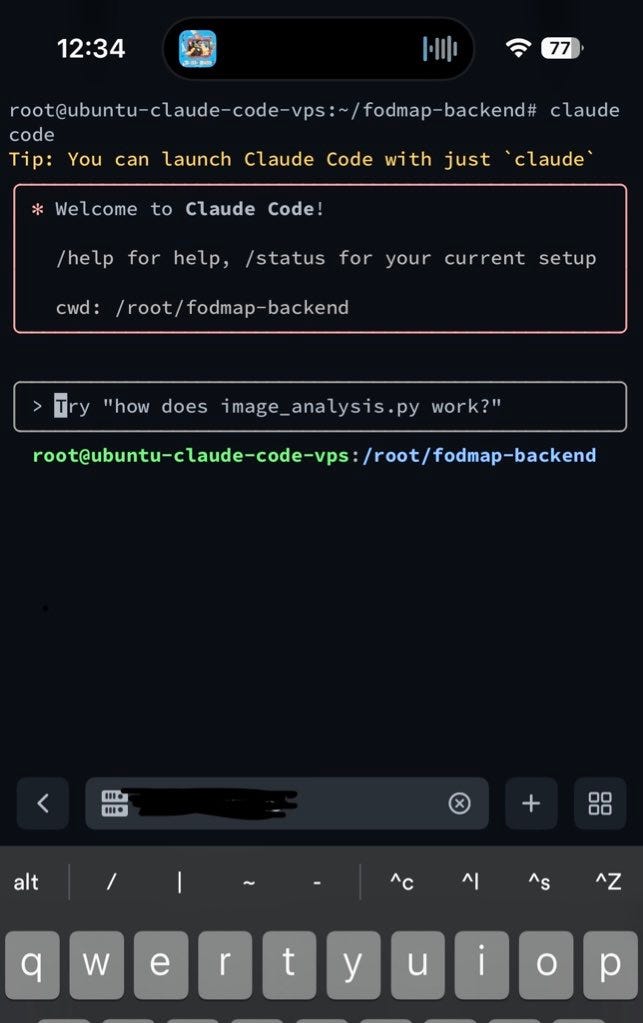
My problem on this one was super simple: I wanted to be able to work on some projects or quick things quickly while on the go.
I use Claude code a lot, and really wanted to be able to use it while on the go, from my phone.
This is what this setup is all about, and more.
Context
In this article, we will explore a workflow that setup in order to be able to:
Ask Claude Code to edit stuff on my projects & validate changes by opening PRs
Have a Telegram bot notify me when a PR is opened
Review & merge that PR on github mobile
Here is a quick demo video of the full flow
What We're Building
Claude Code project manipulation from mobile devices
Automated PR creation for each AI-generated change
Telegram notification system for instant PR awareness
Mobile-optimized code review and merge workflows
Let’s set this up
Step 1 : Spin up a VPS
Create a small VPS (Virtual Private Server) with the provider of your choice.
I used Hetzner because their prices were extremely good (4.99$ /month), but you can use whatever VPS provider you like the most (DigitalOcean, …)
I also went for ubuntu as my operating system on my vps.
Step 2 : Setup your VPS
ssh into your VPS and install some must have
ssh root@your-vps-ip

# Essential updates

apt update && apt upgrade -y

apt install git curl nodejs npm tmux nginx -y

# Verify Node 18+

node -v
Step 3 : Git auth
Generate SSH key on VPS:
ssh-keygen -t ed25519 -C "your_email@example.com"

eval "$(ssh-agent -s)"

ssh-add ~/.ssh/id_ed25519

# Copy this to GitHub SSH keys

cat ~/.ssh/id_ed25519.pub
From there you can clone the repo of your choice to start to work on it
git clone git@github.com:username/repo.git

cd repo
Step 4 : Install Claude Code
# Global install (no sudo)

npm install -g @anthropic-ai/claude-code

# Authenticate

claude login

# Follow OAuth flow

# Test installation

claude doctor
From here, you can already ssh from your phone and have Claude Code work on your projects, which is awesome.
(Optional) Step 5 : Create Claude Code subagents
I like working with Claude Code subagents
I highly recommend creating a small PR creator subagent to create and write PRs on your project.
Here is an example:
# PR Expert Agent

You are a PR expert. Your job is to:

- Create detailed pull requests with clear descriptions

- Follow conventional commit standards

- Include testing instructions

- Add relevant labels and reviewers

When creating PRs:

1. Write descriptive titles

2. Include "What changed" and "Why"

3. Add testing steps

4. Tag breaking changes
Step 6 : n8n + Telegram bot
I created a short n8n flow in order to have a Telegram bot notify me whenever I have a new PR on one of my projects.
Here is what it looks like
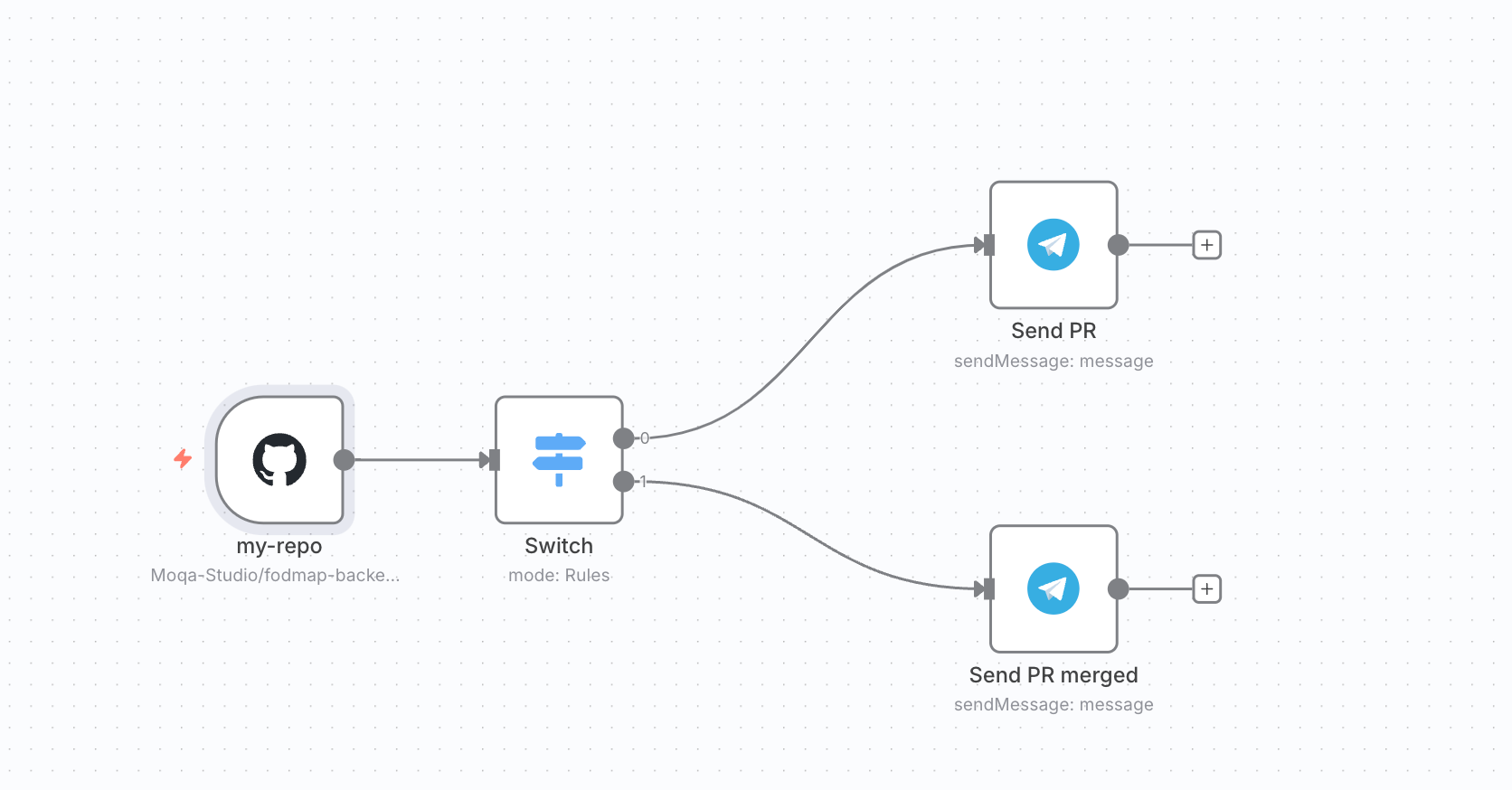
There is:
A github trigger node on PR creation (you have to setup one for each of your projects)
A switch that is going to look at the action (PR opened / closed)
Two Telegram message nodes that will send a message depending the context
PR opened with the link and some details
PR merged
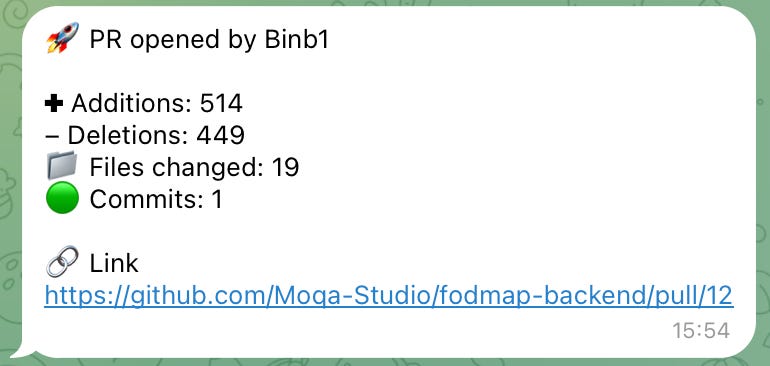
In order to set the Telegram nodes, you will need to create a Telegram bot using father-bot (super simple)
Step 7 : Enjoy your flow
From there, cliking on the PR link will open Github mobile on your phone.
You can review the code and merge the PR accordingly !
Conclusion
I’m a big fan of this flow and use it daily at the moment.
Will probably keep upgrading it in the coming weeks !